
What is Eye Level Portal?
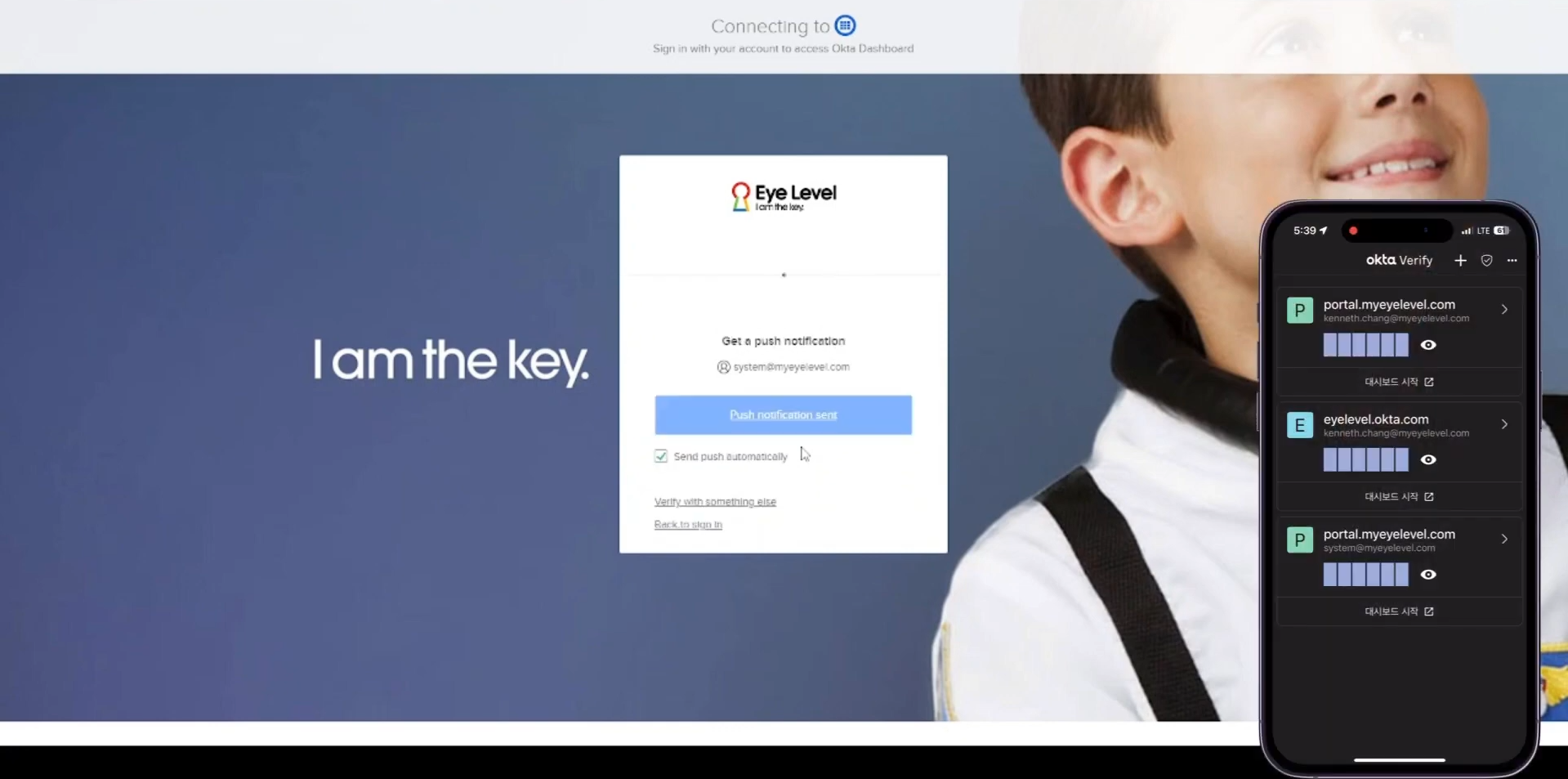
Don't worry, not much is changing! You will only need to remember one personalized username and password going forward. To make your account more secure, we are adding a simple extra step, called two-factor authentication, like a One-Time Password (OTP) app (i.e. time-based 6-digit code) or push notification authentication via mobile app to make sure you are a valid Eye Level manager, staff or instructor.
We are also introducing a single dashboard for all the Eye Level apps you need, but it's not mandatory. If you prefer using your bookmarks and logging in directly from the services you mostly use, rather than going through the Portal dashboard, you can still do that.
This new system, called the Eye Level Portal and powered by Okta, is just a way to log in to everything with one account. It's not a new system to learn, just an easier way to log in.
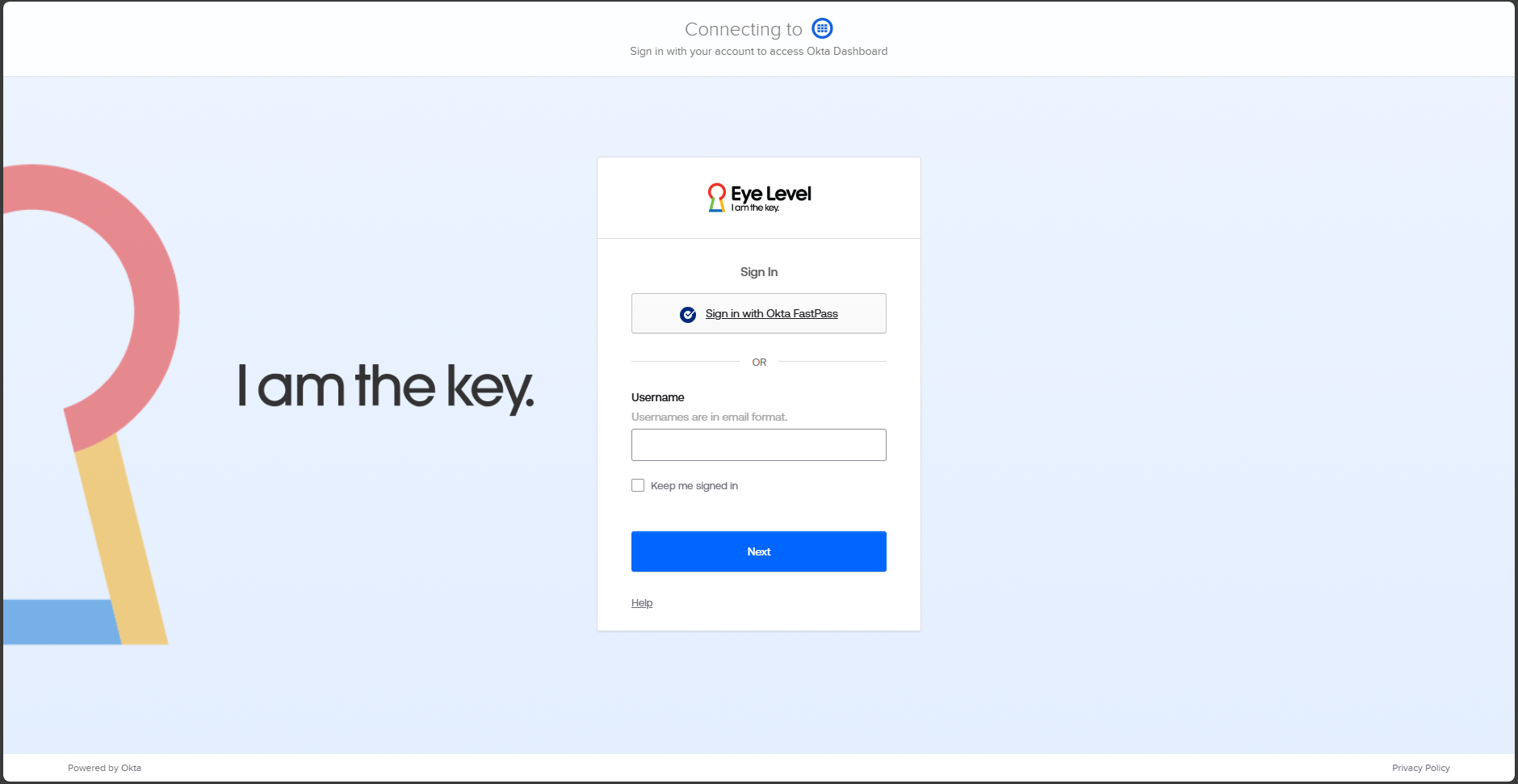
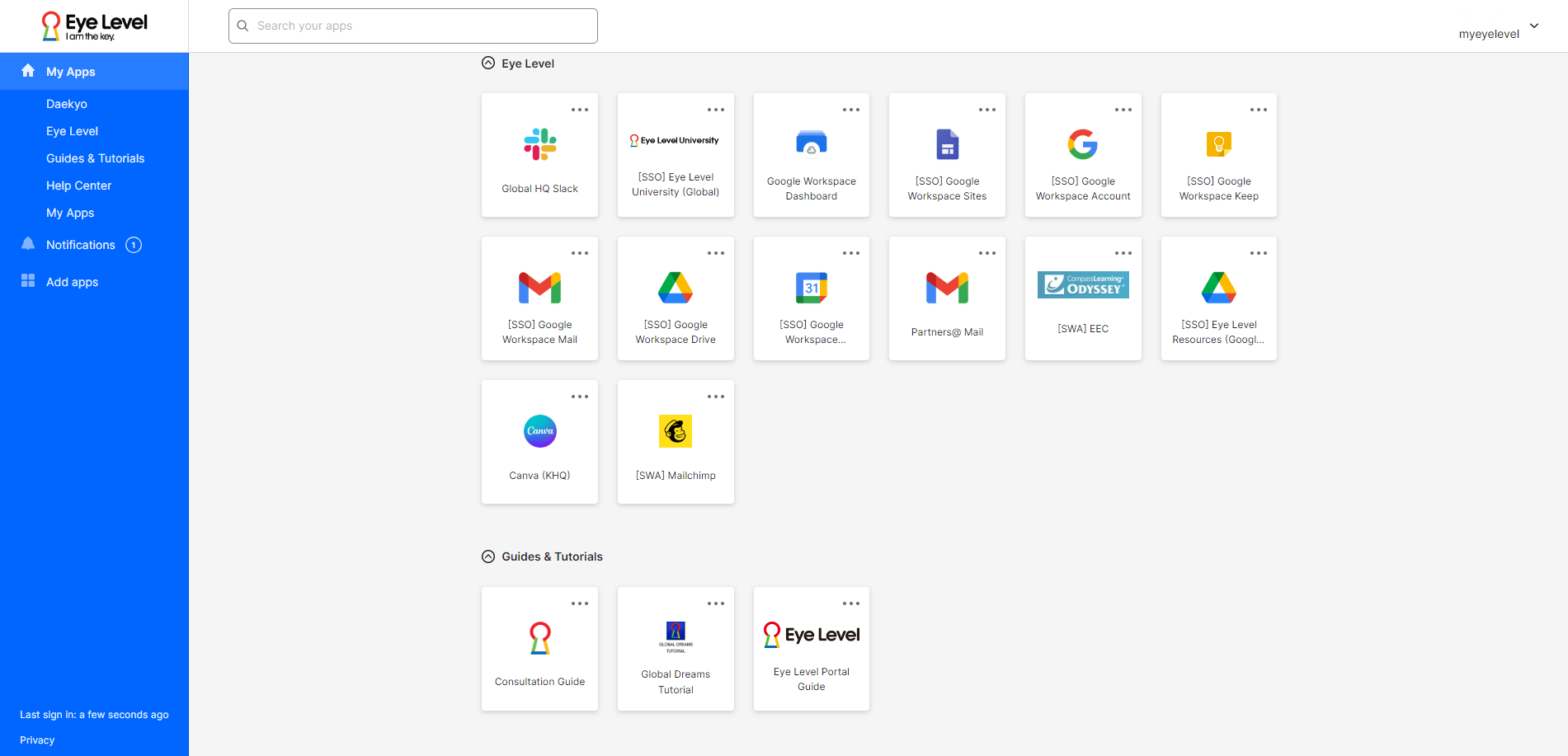
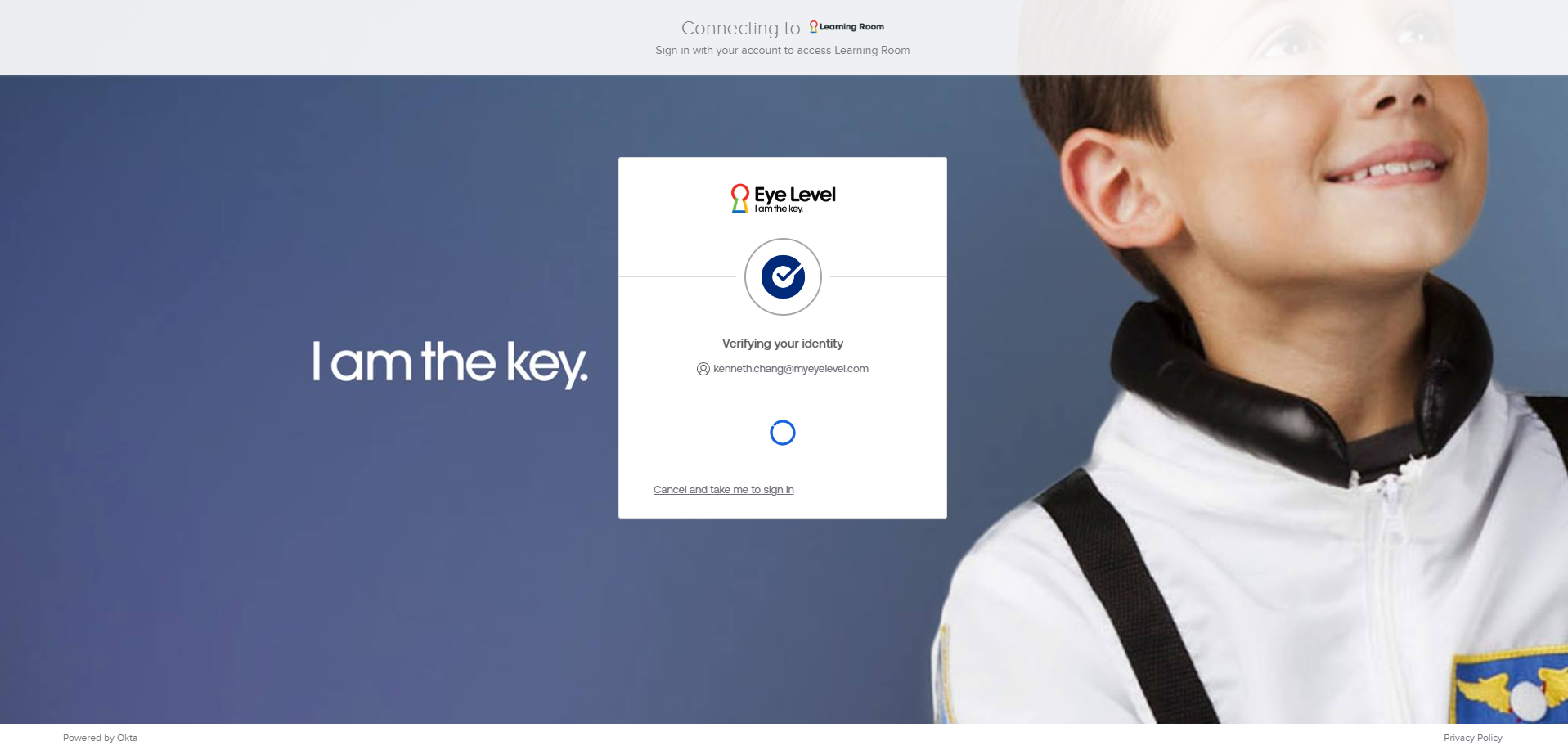
The Portal will combine login to the following platforms:
- Key&Manager (and Keypad): Learning Center Management System
- Learning Room: Eye Level member's e-Learning platform
- Eye Level University: Our internal e-learning site using TalentLMS
- Google Workspace: Our suite of communication tools (i.e. @myeyelevel.com emails), by Google, for select FC's and regional staff
- Admin sites: for myeyelevel.com and Learning Room
- Eye Level Help Center: A new IT support ticketing system
- Many More Systems: Depending on where and who you are, you'll have more apps available (refer to list in the manual)
Benefits of Eye Level Portal
Single Sign-On
One username and password for all platforms
Easier On/Offboarding
Streamlined process for new and resigning users
Instant Access
Rapid provisioning and deprovisioning of user accounts
Enhanced Security
Multi-factor authentication (MFA)
Unified Policies
Standardized security policies
Self-Service
Manage your own password resets and account recovery
What is going to change?
The Eye Level Portal introduces a universal login page for all our staff and instructors, streamlining access to our various systems. The Portal will significantly improve your experience with Eye Level systems while maintaining robust security. In addition, previously admins for various systems had to register a user one system at a time. However, going forward, registering a new account will be a breeze. Let's explore the new steps for onboarding/offboarding different user groups:
For Learning Centers (K&M)
- In K&M, register staff/instructor information at the new and improved, integrated Users page
- Consent forms are automatically sent to both primary and secondary emails of the new user
- Once the consent form is complete, they get instant access to Learning Room and Key&Manager after self-activation (menu permissions still need to be granted in each app)
- Simple offboarding by resigning the user from K&M - instant deprovisioning of all core apps
Every person now requires their own Eye Level Portal account - no more reusing accounts (Portal accounts are free)!
For Other Users (GD)
- Initial registration still required in Global Dreams (ERP); Information synced to Key&Manager every 6 hours
- Consent forms are automatically sent to both primary and secondary emails of the new user
- Immediate access (excluding admin sites) to relevant apps after setup (only if menu permissions from each app is given)
- Simple offboarding by resigning the user from Global Dreams - instant deprovisioning of all core apps
No more registering in multiple services - one registration process for all!
Note: For optimal account management, please prepare to register two email addresses (one as the primary, the other secondary) handy for each Portal account.
Note: If you work at multiple locations or manage multiple centers, you will need a Portal account for each center.
Note: Learning center closures or ownership transfers may require special procedures.
What Do You Need to Do?
Prepare yourself by knowing who needs access to Eye Level systems. You won't be able to share accounts anymore - so each staff/instructor will now need their own account.
- Update us with your email: You may soon be contacted by an Eye Level regional staff member to update them with you and your staff/instructor's work and personal email. Your work email address will be your Portal ID/username and your personal email will only be used for recovery.
- Provide Consent: When you receive it, review our consent form for collecting, processing, and transfer of Personal Data.
- Activate Account: You'll receive an activation email from Eye Level Portal / Okta. Your username, as stated above, will be your work email address.
- Password Setup: Ensure your password meets new security standards.
- Initial Login: Set up multi-factor authentication (MFA) using the mobile app, Okta Verify (downloadable from App Store or Google Play Store).
- Explore the Portal: Familiarize yourself with the dashboard.
How to Get Help
When we launch, if you encounter any issues during or have general questions, you can reach out via:
- Email: IT Support for M/GFCs and Daekyo Subsidiaries
- Manual: Manual for Portal dashboard (constantly updated)
- Regional/Country Eye Level Office: Contact your local Eye Level franchisor
- Eye Level Help Center: Access via Eye Level Portal dashboard or by clicking here (request for access if not available)
Key Dates
Week 2 of July
Internal testing (Korea) of new processes as well as the unified login
Mid-July to 1st week of August
Collect missing email addresses and estimate exact user account numbers
End of July
Consent forms will be rolling out gradually to current users
August 12
Save the date. This is Launch Day.